API Keys, Tokens, and Secrets: How They Leak and How Developers Can Avoid It
The Scale of the Problem
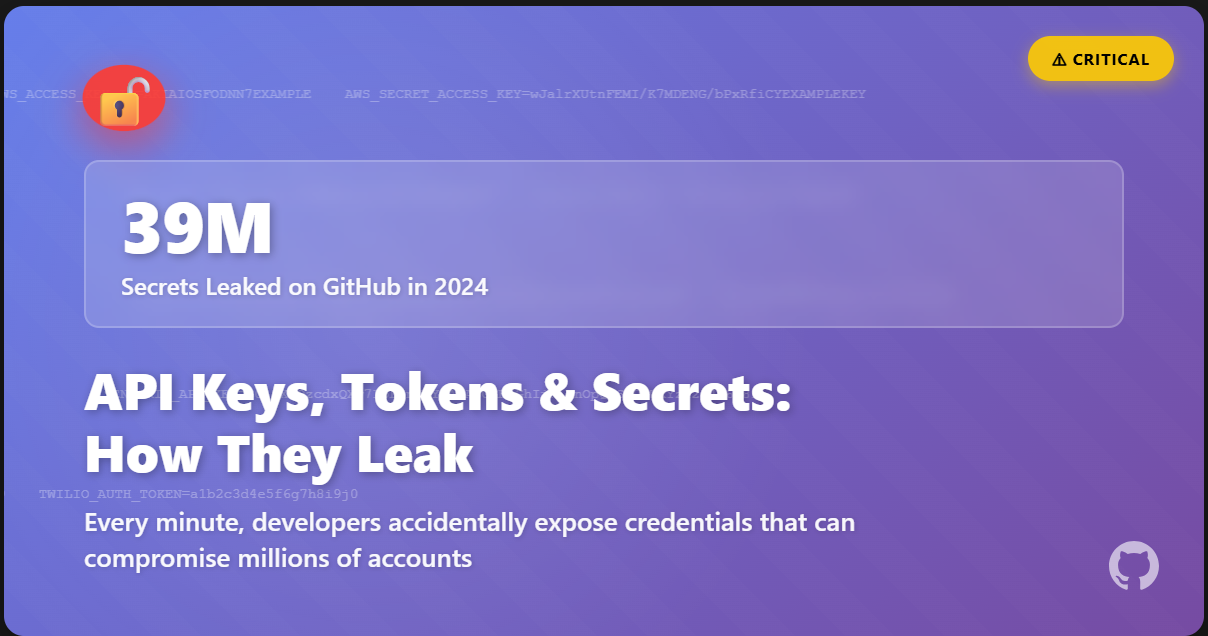
In 2024, GitHub detected over 39 million leaked secrets across its platform [1]. Thirty-nine million API keys, tokens, credentials, and other sensitive authentication data exposed in public repositories where anyone with basic search skills could find them. To put this in perspective, GitHub’s push protection system blocks several secrets every single minute, yet the leaks continue at an alarming rate.
GitGuardian found that in 2023, 12.8 million authentication secrets were exposed across more than 3 million public repositories [2]. The numbers are staggering, but what do they actually mean? Each leaked secret represents a potential breach. An exposed AWS key can result in tens of thousands of dollars in unauthorised cloud resource usage. A leaked database credential can expose customer data. A compromised API token can give attackers access to private systems and services.
Observing the Leak Landscape on GitHub
To understand the scope of this problem, I conducted research by searching GitHub for common patterns of leaked credentials. Using search terms like “api_key”, “config.json”, “token”, “.env”, and “secret_key”, combined with file extensions commonly used for configuration files, some of the results were eye-opening.
Within minutes of searching, I found repositories containing what appeared to be legitimate credentials for services including:
- Secret keys
- Service tokens
- OpenAI API keys
- DB connection URIs and tokens
Some of these were in current commits on the main branch, a few were in forked repositories where the original had been cleaned up, but the forks remained vulnerable. Many were in configuration files that should have been in .gitignore but weren’t.
One particularly concerning pattern I noticed was credentials in README files or documentation. Developers included example configuration with real credentials, often with comments like “replace with your own keys” or “remember to change before deploying.” The problem is that many never did change them, or they changed them in production but left the originals exposed in the repository. I also found credentials in GitHub Issues and Pull Request comments.
What makes this concerning is that automated tools constantly scan GitHub for exposed secrets. Security researchers, bug bounty hunters, and unfortunately, malicious actors all run scripts that search for these patterns. The moment a secret is pushed to a public repository, there’s a good chance it’s been detected and potentially compromised.
To be clear, I did not attempt to use, validate, or exploit any of the credentials I found. The point of this research was simply to observe how prevalent the problem is and understand the patterns of exposure. The ease with which these secrets can be found is itself the security issue.
How Secrets Get Leaked
Understanding how secrets end up on GitHub requires looking at the development workflow and the various ways credentials can slip through the cracks.
Direct Hardcoding
The most straightforward leak occurs when developers hardcode credentials directly into source code. This might happen during prototyping or local testing, where a developer needs to quickly test an API integration. They paste their API key directly into the code to get things working, intending to move it to environment variables later. But deadlines hit, other priorities emerge, and that temporary hardcoded credential makes it into a commit.
1
2
3
# Common pattern that leads to leaks
api_key = "sk_live_abc123xyz789"  # TODO: Move to environment variables
response = requests.get(f"https://api.service.com/data?key={api_key}")
Configuration File Accidents
Configuration files are designed to hold settings, which often include credentials. Files like .env, config.json, settings.py, database.yml frequently contain sensitive information. The problem occurs when these files aren’t properly excluded from version control.
A developer might create a .env file for local development, populate it with real credentials, and forget to add it to .gitignore. Or worse, they might add .env to .gitignore after already committing the file, which means it’s removed from future commits but remains in Git history.
The “git add .” Problem
Many developers use “git add .” to stage all changes at once. This is convenient but dangerous because it doesn’t discriminate between files that should and shouldn’t be committed. A developer working on multiple features might inadvertently stage a configuration file, a debug output containing credentials, or a local testing script with hardcoded keys.
Client-Side Embedding
Some developers embed API keys directly in client-side code, whether in JavaScript for web applications or compiled into mobile apps. The thinking is that the key won’t be easily visible to end users. This is fundamentally flawed. JavaScript can be read directly in the browser, mobile apps can be decompiled. Any credential sent to a client should be considered publicly accessible.
Comments and Documentation
Developers often ask for help on GitHub Issues or Stack Overflow by sharing their code or configuration. In their rush to explain the problem, they paste actual configuration files, complete with real credentials. Even after getting help and realising their mistake, the credentials remain visible in the issue history. TruffleHog research found that 97% of credential leaks in GitHub comments came from human users, not automated bots.
Leaked Credentials Consequences
The impact of leaked credentials extends beyond minor security incidents. The consequences can be severe and long-lasting.
Financial Damage
AWS keys are particularly valuable to attackers because they can be used to spin up expensive cloud resources, cryptocurrency mining operations can rack up bills in the tens of thousands of dollars within hours. In 2022, researchers found exposed AWS credentials that, when exploited, resulted in charges exceeding $50,000 before being detected.
Data Breaches
Exposed database credentials provide direct access to customer data, email service tokens can be used to send phishing campaigns from legitimate domains. Cloud storage credentials can expose proprietary code, business documents, and personal information.
Reputational Harm
Public credential leaks damage organisational reputation, customers lose trust when they learn that a company’s security practices allowed sensitive data to be exposed. For individual developers, leaked credentials on their personal projects can raise questions in job interviews or damage professional credibility.
How Developers Can Avoid Leaked Secrets
Preventing secret leaks requires a combination of tools, processes, and cultural changes within development teams
Avoid Committing Secrets to Version Control
API keys, passwords, tokens, private keys, and any other sensitive credentials should never be committed to Git, regardless of whether the repository is public or private. Private repositories can become public and access permissions can change. The safest approach is to treat all version control as potentially public.
Additionally, use of environment variables to read credentials from the environment at runtime and not from files checked into version control is important
1
2
3
4
5
6
# Good practice
import os
api_key = os.environ.get('API_KEY')

# Bad practice
api_key = "sk_live_abc123xyz789"
Create a Comprehensive .gitignore From Day One
It’s important to create a comprehensive .gitignore file that excludes common files where secrets might live:
1
2
3
4
5
6
7
8
9
10
.env
.env.local
.env.*.local
config.json
secrets.yaml
*.pem
*.key
*.cert
credentials
auth.json
Use Secrets Management Services
Use secrets management services to securely store and access credentials:
- AWS Secrets Manager: integrated with AWS services provides encryption, rotation, and access controls
- HashiCorp Vault: an open-source secrets management with advanced features like dynamic secrets and encryption as a service
- Azure Key Vault: Microsoft’s solution for secrets, keys, and certificates
- Google Cloud Secret Manager: GCP’s native secrets storage with IAM integration
Application should fetch credentials from these services at runtime using temporary, scoped access credentials. The actual secrets never exist in the codebase or configuration files.
Rotating Secrets Regularly
Regular credential rotation limits exposure. If a secret get compromised, regular rotation ensures it’s only valid for a limited time.
Scanning for Exposed Secrets
Automated tools should be deployed to continuously monitor for exposed secrets:
- GitHub Secret Scanning: automatically scans public repositories and sends alerts for detected secrets.
- GitGuardian: monitors GitHub and other platforms then provides detailed alerts and remediation guidance.
Security Awareness Training for the Team
Technical controls are important, but the human element is critical as well. It’s important to ensure everyone on the team understands:
- The difference between authentication and secrets management
- Why secrets should never be committed
- How to use environment variables and secrets management tools
- What to do if they accidentally commit a secret
- The real-world consequences of exposed credentials
Secrets management should be part of onboarding for new developers and included in code review checklists.
Monitoring for Unusual Activity
Even with all precautions, breaches can happen. Monitor systems for unusual activity that might indicate compromised credentials:
- Unexpected API usage or costs
- Access from unfamiliar IP addresses or locations
- Failed authentication attempts
- Data access outside normal patterns
- Changes to configurations or permissions
And set up alerts for quick response if credentials are misused.
Conclusion
The 39 million secrets leaked on GitHub in 2024 represent more than just numbers, Technology alone won’t solve the secrets management problem. It requires a cultural shift in how development teams think about security. Secrets management should be part of the development workflow from the start, not something bolted on later. Just as you wouldn’t ship code without testing it, you shouldn’t commit code without considering where credentials live and how they’re accessed.
Every developer needs to understand that the convenience of hardcoding a credential carries real risk and every organisation needs to invest in secrets management infrastructure and training. Every code review should include a check for proper credential handling.
As development velocity increases and AI-assisted coding becomes more common, the rate of accidental exposures only grows.
The secrets we leak today become the breaches we read about tomorrow. But with vigilance, proper tools, and a commitment to security, we can break this cycle and keep our credentials where they belong: secret.
References:
- GitHub 2024 Secret Leaks Report: https://github.blog/security/application-security/next-evolution-github-advanced-security/
- GitGuardian 2023 State of Secrets Sprawl: https://www.bleepingcomputer.com/news/security/over-12-million-auth-secrets-and-keys-leaked-on-github-in-2023/
- BleepingComputer GitHub Security Analysis: https://www.bleepingcomputer.com/news/security/github-expands-security-tools-after-39-million-secrets-leaked-in-2024/
- GitHub Search Patterns: https://gist.github.com/win3zz/0a1c70589fcbea64dba4588b93095855
- https://trufflesecurity.com/blog/thousands-of-github-comments-leak-live-api-keys